Introduction
The e-learning market is projected to surpass $400 billion by 2026, and independent creators are capturing a growing share of that revenue — but only if they have the right tools to build, host, and sell their content effectively. Finding a platform that handles everything from course delivery to email marketing without stitching together a dozen third-party services remains one of the biggest frustrations for digital entrepreneurs.
Enter Podia — an all-in-one platform designed to help creators sell online courses, digital downloads, webinars, and memberships from a single, clean dashboard. Unlike platforms that charge transaction fees on every sale or force you to upgrade for basic features, Podia has built its reputation on simplicity, generous plan structures, and a creator-first philosophy.
In this comprehensive review, we'll break down everything you need to know about Podia: its core features, pricing tiers, strengths, limitations, and how it stacks up against competing course platforms. Whether you're a solo educator launching your first course or an established creator looking to consolidate your tech stack, this review will help you decide if Podia is the right fit for your business.
---
What Is Podia?
Podia is an all-in-one digital storefront and course platform built specifically for creators, educators, and entrepreneurs who want to monetize their knowledge online. Launched in 2014, the platform has grown into a trusted solution for thousands of creators worldwide who need a single hub to host courses, sell digital products, run membership communities, and connect with their audience — all without needing a developer or technical background.
At its core, Podia removes the complexity that typically comes with building an online education business. Rather than juggling separate tools for course hosting, payment processing, email marketing, and community management, creators can manage every aspect of their business from one place.
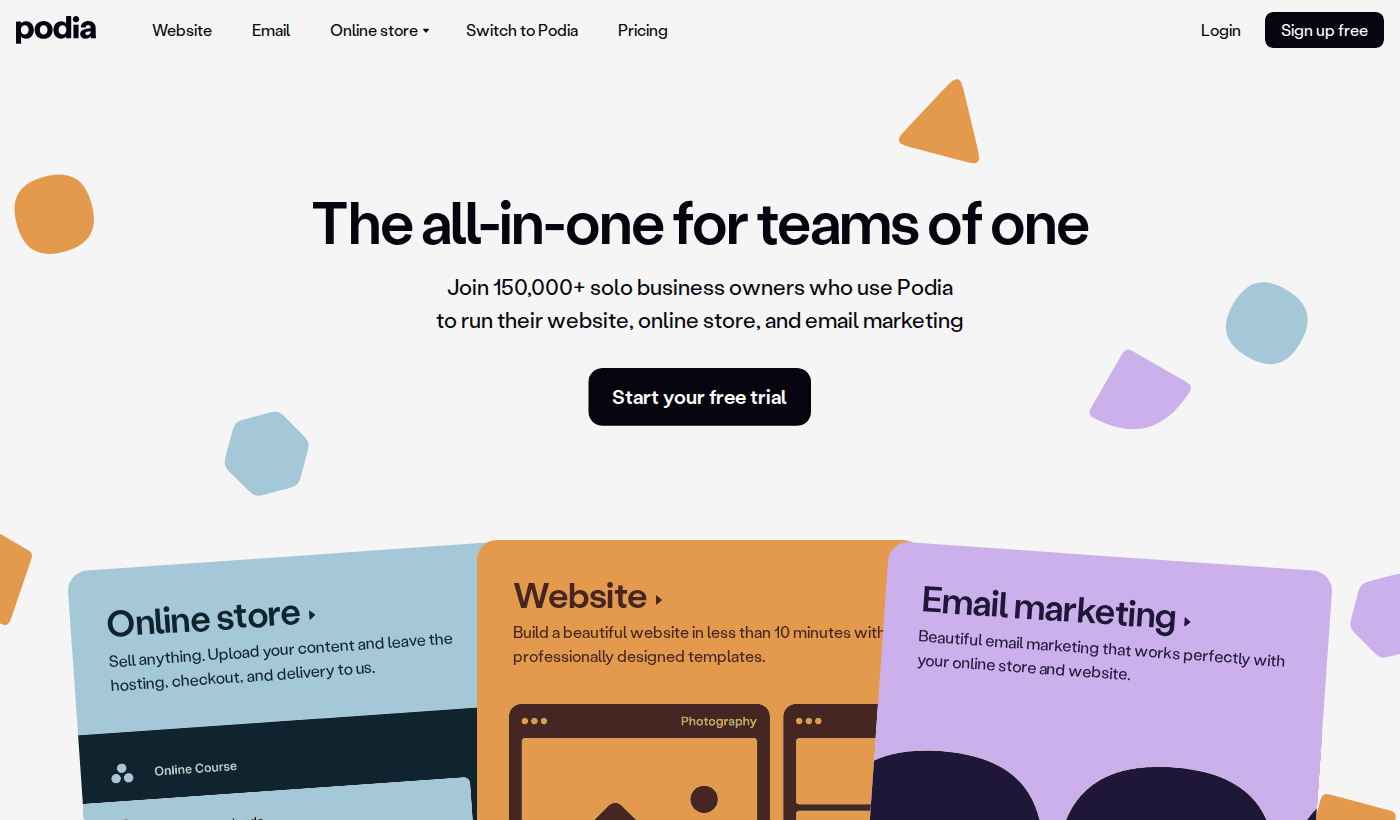
Visit Podia's official website to get a full picture of the platform's capabilities, but in short, Podia serves several distinct use cases: selling pre-recorded online courses, hosting live webinars, delivering digital downloads (eBooks, templates, audio files), and building paid or free membership communities.
What sets Podia apart in the crowded course platforms landscape is its commitment to a zero-transaction-fee model on paid plans, combined with a genuinely beginner-friendly interface. There's no steep learning curve, no patchwork of integrations required to get started, and no surprise fees eating into your revenue. For creators who want to focus on their content rather than their tech stack, Podia presents a compelling proposition.
---
Key Features of Podia
1. Online Course Builder
Podia's course builder is the heart of the platform, and it's remarkably straightforward to use. Creators can upload video lessons, audio files, PDFs, text content, and quizzes to build fully structured courses with sections and modules. The drag-and-drop interface makes it easy to reorganize content, and drip scheduling allows you to release lessons over time — a popular strategy for reducing overwhelm and increasing course completion rates.
Students access their content through a clean, branded student portal that works seamlessly on desktop and mobile devices. For creators, this means no additional work optimizing for different screen sizes — Podia handles the responsive design automatically.
2. Digital Downloads & Products
Beyond full courses, Podia lets you sell individual digital products including eBooks, templates, audio tracks, presets, swipe files, and more. This makes it easy to offer lower-priced entry-point products that funnel buyers toward higher-ticket courses or membership plans. You can bundle multiple products together, set custom pricing, and even offer free downloads as lead magnets to build your email list.
3. Memberships & Community
Podia includes a built-in membership feature that allows creators to build recurring revenue through monthly or annual subscription plans. Members can access gated content, participate in a community feed, and engage with you and each other directly on the platform. This community layer is a significant differentiator, as many competing course platforms require third-party tools like Circle or Mighty Networks to replicate this functionality.
4. Email Marketing
One of Podia's standout features is its integrated email marketing tool. Rather than paying for a separate service like Mailchimp or ConvertKit, Podia users can create and send newsletters, set up automated email sequences, and [Segment](https://segment.com) their audience based on what products they've purchased. This built-in capability keeps your tech stack lean and ensures your student data stays in one place, making personalized follow-up campaigns significantly easier to manage.
5. Webinars
Podia supports live and recorded webinars directly within the platform. You can sell access to webinars as standalone products or include them as part of a course or membership bundle. This feature is particularly valuable for coaches and educators who want to add a live, interactive component to their offerings without purchasing a separate webinar tool.
6. Storefront & Website Builder
Every Podia account comes with a customizable storefront that functions as a simple website. You can add a homepage, about page, and product pages — all designed to convert visitors into buyers. While it's not a full-featured website builder like Squarespace or WordPress, it's more than sufficient for creators who want a professional presence without the overhead of managing a separate website.
7. Affiliate Marketing
Podia includes a built-in affiliate program feature that lets you recruit affiliates to promote your products in exchange for a commission. You can set custom commission rates, track affiliate performance, and manage payouts — all from within the platform. For creators looking to scale their reach without spending heavily on paid advertising, this feature can be a powerful growth lever.
---
Podia Pricing & Plans
Podia offers a tiered pricing structure designed to accommodate creators at different stages of growth. View Podia pricing directly on their site for the most current figures, as plans and features can be updated, but here's an overview of what to expect.
Podia typically offers a free plan with limited features, allowing new creators to explore the platform and even make sales (with a transaction fee applied). Paid plans remove transaction fees entirely and unlock the full suite of tools including email marketing, affiliate programs, and advanced customization.
Paid tiers are generally structured as monthly or annual subscriptions, with annual billing offering meaningful savings. Higher-tier plans expand limits on the number of products, team member seats, and advanced features like course completion certificates and more granular analytics.
For creators serious about building a sustainable course business, the paid plans represent strong value given that you're effectively replacing several standalone tools — email marketing, community software, and a website builder — with a single subscription.
---
Pros & Cons of Podia
Podia Pros:✅ Zero transaction fees on paid plans — Keep more of every sale you make
✅ All-in-one platform — Courses, email marketing, community, and webinars in one place
✅ Beginner-friendly interface — Minimal learning curve with no coding required
✅ Built-in affiliate marketing — Recruit and manage affiliates without third-party tools
✅ Unlimited students — No per-student fees that scale against you as you grow
✅ Free plan available — Test the platform before committing to a paid subscription
Podia Cons:❌ Limited design customization — Storefront templates are clean but not highly flexible
❌ Basic website builder — Not suitable as a replacement for a full-featured CMS
❌ Community features are relatively basic — May not satisfy creators needing advanced forum or social functionality
❌ Analytics could be deeper — Reporting tools are functional but lack advanced segmentation compared to dedicated analytics platforms
---
Podia vs. Alternatives
Podia occupies an interesting position among course platforms because it targets the all-in-one convenience market rather than competing purely on course features.
Podia vs. TeachableTeachable is one of the most well-known course platforms and offers a more polished course delivery experience with advanced quizzing and certificates. However, Teachable charges transaction fees on its lower-tier plans, and its email marketing and community features require third-party integrations. Podia's bundled approach offers better overall value for creators who want everything under one roof.
Podia vs. KajabiKajabi is arguably Podia's closest competitor in the all-in-one space, offering courses, email, pipelines, websites, and community tools. However, Kajabi comes at a significantly higher price point, making it less accessible for newer creators. Podia delivers a comparable feature set at a fraction of the cost, though Kajabi's marketing automation capabilities are more sophisticated for advanced users.
Podia vs. GumroadGumroad is excellent for simple digital product sales but lacks the full course builder and membership features that Podia offers. Creators who start on Gumroad often migrate to Podia as their product suite grows and they need a more structured learning environment for their students.
---
Who Should Use Podia?
Ideal for:- First-time course creators who need a straightforward, guided path to launching their first product without a steep technical learning curve
- Solopreneurs and small creator businesses who want to consolidate multiple tools into a single subscription and reduce their monthly software overhead
- Coaches and consultants who combine courses with live webinars, memberships, and ongoing community engagement
- Digital product sellers who want to bundle eBooks, templates, and other downloads alongside courses in one unified storefront
- Creators with growing audiences who are ready to launch an affiliate program and scale their reach beyond organic channels
Podia is less ideal for enterprise-level course creators who need advanced analytics, complex automation workflows, or deep integration with enterprise HR systems. Explore Podia to confirm whether the platform's current feature set aligns with your specific business needs.
---
Getting Started with Podia
Getting started with Podia is refreshingly simple compared to many course platforms. Visit Podia and sign up for a free account — no credit card required. The onboarding process walks you through setting up your storefront, uploading your first product, and customizing your brand colors and logo.
From there, you can add your course content, configure your pricing, connect your payment processor (Stripe and PayPal are both supported), and publish your product — often within a single session. Podia's help documentation and customer support team are well-regarded in the creator community, and live chat support is available on paid plans.
For creators who want to migrate from another platform, Podia offers migration assistance to help transfer existing courses and student data, reducing the friction of switching. Check out Podia to explore onboarding resources and see if migration support fits your situation.
---
Final Verdict
After examining everything Podia offers, the verdict is clear: this is one of the strongest all-in-one course platforms available for independent creators who prioritize simplicity, value, and consolidated tooling.
It won't satisfy creators who need enterprise-grade analytics or highly advanced marketing automation. And its website builder won't replace a purpose-built CMS for creators with complex content needs. But for the vast majority of course creators, coaches, and digital product sellers, Podia delivers an impressive range of capabilities in a single, affordable package.
The zero-transaction-fee model on paid plans, built-in email marketing, affiliate management, and community features make Podia stand out in a market where most platforms nickel-and-dime you for every additional feature. If you're serious about building a digital product business and want to keep your tech stack clean, Podia deserves serious consideration.
Learn more about Podia and explore whether it's the right platform for your creator business.---
Frequently Asked Questions
Q: How much does Podia cost?A: Podia offers a free plan for creators just getting started, with paid plans available at monthly or annual rates. Annual billing typically offers a discount compared to month-to-month pricing. Visit Podia's website for the most up-to-date pricing information, as tiers and features are updated periodically.
Q: Does Podia charge transaction fees?A: Podia charges a transaction fee on its free plan but removes transaction fees entirely on all paid plans. This is one of Podia's most creator-friendly policies and a key reason many creators choose it over competing course platforms that continue charging transaction fees even on premium plans.
Q: What types of products can I sell on Podia?A: Podia supports a wide range of digital products including online courses, digital downloads (eBooks, templates, audio files), live and recorded webinars, and membership subscriptions. You can also bundle products together and create affiliate programs to promote your offerings.
Q: How does Podia compare to Kajabi?A: Both are all-in-one course platforms, but Podia is generally more affordable and better suited for early-stage and mid-level creators. Kajabi offers more advanced marketing automation and pipeline features but at a significantly higher price point. For most independent creators, Podia provides better value per dollar spent.
Q: Is Podia suitable for beginners with no technical experience?A: Yes — Podia is specifically designed for non-technical creators. The platform requires no coding knowledge, offers intuitive drag-and-drop tools, and provides comprehensive onboarding support. Most creators can launch their first product within a day of signing up.